Best Free Games for Low End PC
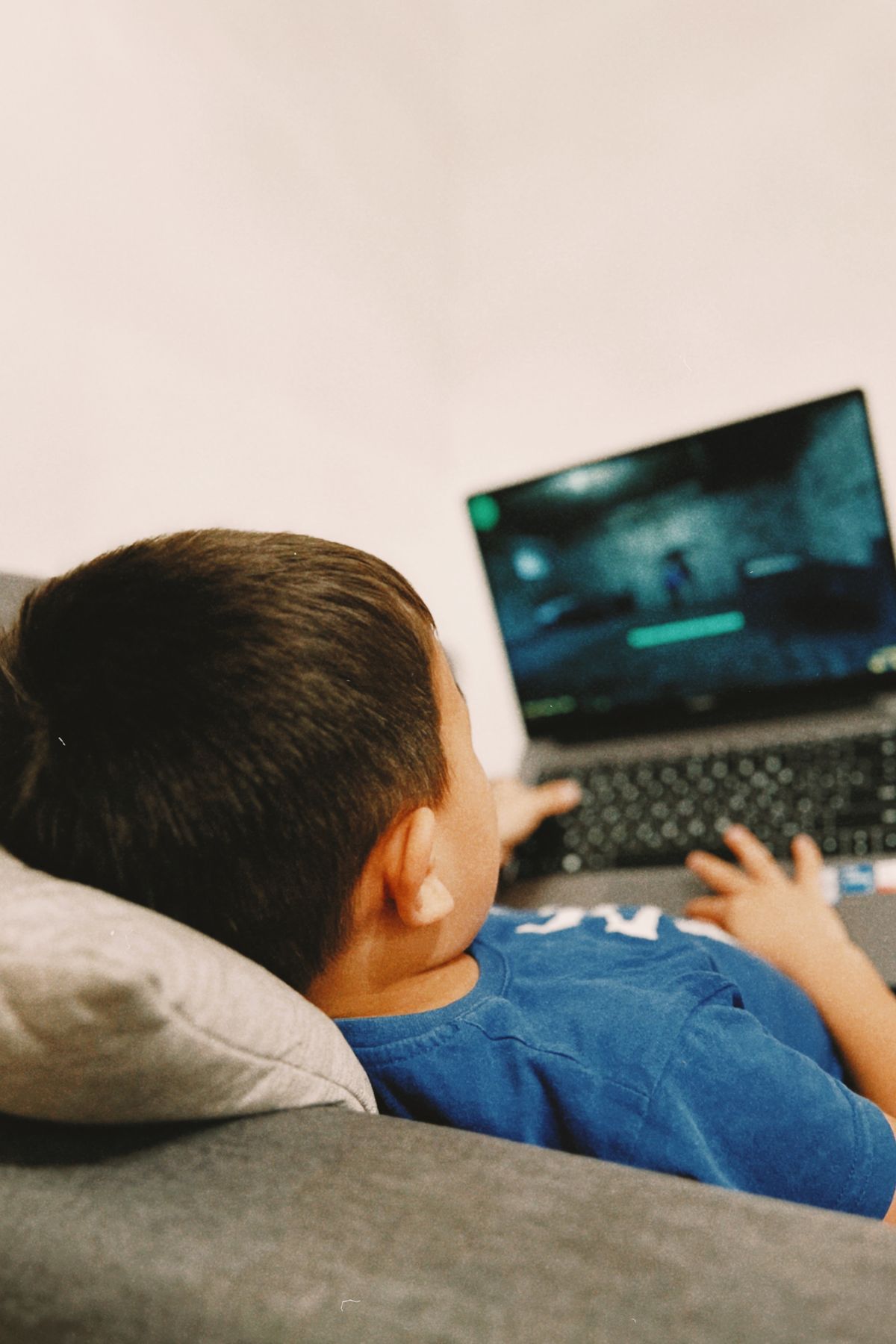
My cousin’s laptop sounds like it is about to take off whenever he opens a game. Not a joke — the fan kicks in, the whole table vibrates a little, and then the game itself starts stuttering like a bad video call. He looked properly embarrassed asking it, like he’d failed some test — was gaming just not for someone with his laptop? No. He’d just been feeding it games it was never meant to chew.
I have been there too, by the way. Years back I tried a shiny new shooter on an office laptop that was never built for it, and I spent more time staring at loading screens than actually playing. The fix was not a new PC. The fix was picking games that were made to be light, and learning which settings actually matter. That is what this guide is — the games that have worked on weak machines in my experience, and the honest, boring settings stuff that made the difference.
One promise I will not make: I cannot tell you a frame rate. Your laptop, your drivers, your background apps — all of that changes things. What I can do is point you at the forgiving ones, and show you my way of trying a game properly, so your hard drive doesn’t end up stuffed with five downloads gathering dust.
So, is your PC actually “low end”?
Forget the technical definition for a second. Here is how I tell: if a new game stutters even on its lowest settings, or if your PC groans when you have a browser open next to a game, you are in this group. Usually that means an older processor, graphics built into the machine rather than a separate card, and not much memory to spare.
There is nothing embarrassing about that. Half the people I know game on a laptop they originally bought for study or office work. The trick — and I learned this the slow way — is to stop chasing the games everyone is posting about this week, and pick games where the fun comes from how they play, not how pretty they look. A cartoon shooter from years ago can be more fun than a gorgeous new game running at ten frames a second. That is not even close, honestly.
Before you download anything, do the dull two minutes: close the heavy stuff running in the background, check you actually have storage free, and read the minimum requirements on the game’s own Steam page. They are not a guarantee, but they are a decent warning sign. And start with one game. Just one. Test it properly, then decide.
Quick heads-up on the games below
Look, I am not going to dress this up as some definitive ranking. Here is what is actually in this guide, in no particular order.
First, the ones I reach for when mates are around. Team Fortress 2 — old, cartoonish, still busy after all these years. Brawlhalla, which I only ever open for quick rounds. Honestly? Half the time someone messages “game?” and that is the one already installed.
Then the loner ones. Unturned, for when I fancy wandering around a blocky world on my own terms. And War Thunder, because — I know, I know — tanks and planes on a weak laptop sounds mad, but the settings go low enough that it works.
And then the slow burners. Path of Exile, if you like loot and do not mind tinkering. 0 A.D., which is free and community-made, for history-flavoured strategy. Battle for Wesnoth for the evenings when my brain wants a puzzle, not a reflex test.
That is it. Seven games. No promises attached — your machine will tell you more in one evening than I ever could in a whole article.
Team and action games that do not punish a weak PC
Team Fortress 2
If I had to pick one safe first download for an old PC, it would probably be this. Team Fortress 2 is a team shooter with nine classes — fast Scouts, healing Medics, the whole odd bunch — and because it is older and cartoon-styled, it does not ask your machine for much. It’s still the one I load up when I fancy playing with a team but can’t be bothered with ranked stress.
And it’s kind in another way too: hop into a casual game, pick a class you’ve never tried, play badly, log off. No record follows you around, and nobody is sitting there marking your homework. And if it does feel choppy, the first two things I touch are resolution and shadows. Turn those down before you touch anything else — in my experience they help more than all the other settings combined.
Brawlhalla
Brawlhalla is the game I open when I have half an hour and no patience for a long session. It is a free platform fighter — little characters battling on small stages, a bit like a cartoon fighting game — and matches are short, controls are easy to pick up, and the visuals are light enough that a weak PC barely notices.
It is also the perfect second game, the one you keep installed for friends who do not all have strong computers. I have played it on a laptop that could not run anything else that week, and we still had a proper laugh. You can play three rounds, stop, and nothing is lost. No campaign progress hanging over you.
Unturned
Unturned looks blocky, and that is the whole point. My first hour in it was spent raiding an empty petrol station for tinned food, nailing planks over a shack window, and legging it from a zombie horde I had stupidly woken up — and my tired old laptop never once complained, because there is simply nothing fancy for it to render. Once you have grasped the rhythm — scavenge, eat, build, hide, repeat — the rest of the game opens up on its own.
What I wish someone had told me after my third ambush: spend your first few runs somewhere quiet, on your own or with one mate you trust, and get the hang of building, looting and fighting before you wander into a crowded server where veterans have been playing since forever. Playing with friends is where the game really shines, mind you — but the quiet hours first are what stop you from quitting on day one.
Strategy games for slow evenings
Battle for Wesnoth
Battle for Wesnoth is the one I recommend to people who say they do not like fast games. It is a free, turn-based fantasy strategy game — you move armies around a grid, plan carefully, work through campaigns or play other people — and because it is turn-based and 2D, it does not care about your reflexes or your graphics card at all.
The reason it stuck with me is a boring, practical one: a battle waits for you. I have paused mid-fight to answer the door, come back the next evening, and found everything exactly where I left it — no countdown ticking, no laptop fan howling at me, no guilt for walking away. Honestly, for someone whose gaming time is mostly stolen minutes between other jobs, that kind of patience beats fancy hardware any day.
0 A.D. — the one set in ancient times
Picture a strategy game set in ancient times, made by a community and given away free: you collect wood and food, raise a little town from nothing, train soldiers, and eventually clash with whoever is on the other side of the map. Grab it only from the project’s own website and the people behind it — never from a random mirror — because that rule about free games coming from their makers is one I keep repeating for a reason.
Real-time strategy can still get heavy when a battle gets huge, so here is the trick that actually worked for me: start with smaller maps and fewer opponents. It sounds too simple, but that one change took a game from slideshow to playable on a laptop I was ready to give up on.
War Thunder and Path of Exile, with a warning
War Thunder — tanks, planes, ships, the lot — lets you drag the settings right down, and that’s why it earned a place here. Honest warning, though: a massive battle can still make a weak PC wheeze. So dial things down first, fight one battle, and judge it from that. Jumping straight into the biggest map and then blaming the game would be unfair on both of you.
Path of Exile is similar. It is a free action RPG with an absurd amount of loot and character options, and it is older than a lot of modern RPGs, but busy areas full of effects can still slow a weak machine down. The first things I lower are effects and resolution. If it still stutters after that, that particular build or area might just be too much for your PC, and that is fine — there are other games on this list.
How I actually boost performance, without buying anything
Nobody needs a shopping list here. The stuff that helped me, in the order I try it: first, I drop the resolution. That one change alone usually makes the biggest difference, even if the game looks a bit softer. Then shadows and fancy effects go down — reflections, particles, all the sparkly stuff that weak graphics hardware hates. If the game still feels laggy, I try turning off vertical sync, though fair warning, that can cause screen tearing, so I only keep it off if it genuinely feels better.
Then the boring stuff that people skip: close the browser. I mean actually close it, not minimise it — a browser with a dozen tabs open eats a shocking amount of memory. Drivers: get them from the actual maker’s website for your graphics chip. Not from a pop-up promising to “fix your PC” — that road leads nowhere good. And heat: a laptop that’s warm and dusty gets slower without you noticing, particularly the ones that spend their lives on duvets and sofas. A quick clean and a hard surface underneath genuinely help. And for online games, a cable beats Wi-Fi when you can manage it — not always possible, I know, but the connection is steadier.
And please, do not download those so-called FPS booster or game optimizer tools from unknown websites. I have seen what they do: mostly nothing, sometimes malware. The settings inside the game itself are the safest place to start, and they are free.
What to avoid, because I have seen the other side
Do not download a huge brand-new game just because it is free for a weekend or all over social media. Free does not make a demanding game less demanding — it will still need the hardware it needs, and you will just have wasted an evening downloading it. And stay away from cracked or repacked versions of paid games entirely. Those are illegal, they often carry malware, and they can get your accounts banned. I have watched a friend lose an account over a dodgy download, and no game is worth rebuilding all of that.
Stick to the official places: Steam, the Epic Games Store, GOG, and official developer websites for open-source games like 0 A.D. And here is a rule I live by now: if a website tells you to turn off your antivirus to install a game, close that website immediately. That is not a small warning sign. That is the warning sign.
Frequently asked questions
Can a low end PC run free Steam games?
Yes — otherwise this whole guide would be a waste of your time. My approach: older and lighter titles first, a quick read of each game’s own Steam page, and one download at a time rather than a whole wishlist at once. Begin with the lightest picks here and watch how your machine copes.
What is the lightest free game to start with?
There isn’t one, I’m afraid — old PCs age in their own weird ways, like old cars. My go-to first tests are Wesnoth or Brawlhalla: a slow turn-based game and a simple fighter are about the gentlest things you can throw at a machine, so within an evening you’ll know where you stand.
Does turning settings down ruin how a game looks?
They will look simpler, yes. I will not pretend otherwise. But here is the trade-off I made peace with years ago: a slightly blurry game that moves smoothly is far more fun than a beautiful game that stutters every three seconds, especially in anything fast. Smooth matters more than pretty, at least for me.
Should I buy a new graphics card for free games?
Not straight away, no. Try the lighter games and the settings in this guide first. If you still cannot run the games you actually enjoy after that, then an upgrade is worth thinking about — but for free and older games, a new card is often not needed at all, and I would hate for you to spend money you did not have to.
Conclusion
A weak PC is not the end of gaming. It just changes the question from “what is everyone playing?” to “what actually runs well on my machine?” — and that is a better question anyway. Team Fortress 2, Brawlhalla, Unturned, Battle for Wesnoth, and 0 A.D. are all free, legal, and playable without high-end hardware. Add the sensible settings — lower resolution, fewer effects, fewer background apps — and most people I know in this situation see a real improvement.
My advice, the same advice I gave my cousin: start with one game. Test it properly, on a proper evening, not for five minutes. Then download the next one. That slow way saves storage, saves time, saves frustration — and slowly, without spending anything, you end up with a small library of free games that actually work on your PC. That feels better than a hard drive full of games you cannot play.
Leave a Reply