Best Free Offline PC Games

The evening that taught me about offline games was not dramatic. It was just a power cut, mid-match, in a house where the Wi-Fi router takes about ten minutes to come back even after the lights do. My online game sat there, frozen, then logged me out, then told me — politely — that it could not reconnect. I stared at my laptop for a bit, annoyed at nothing in particular, and then opened a little strategy game I had installed months earlier and never really played. It just worked. No login, no loading bar begging for a connection, no error. I played for two hours in the dark, by the light of the screen, and honestly that evening was better than the match I had lost.
That is the whole case for offline games, really. Not everyone has fast, steady internet, and even people who do lose it sometimes — a shared house connection that crawls at night, a train journey, a trip where the hotel Wi-Fi gives up at exactly the wrong moment. Free games are everywhere, but here is the catch I learned the slow way: a lot of free games look like single-player games and still refuse to start without the internet. This guide is about the ones that actually do not need it, and about the difference between a game that is truly offline and one that only pretends to be.
Offline is not one thing — I found that out the annoying way
I used to think offline meant offline. Then I downloaded a game for a long bus journey, opened it on the bus, and got a login screen. So let me save you that particular embarrassment, because there are really three different situations hiding under the one word.
First, the genuinely offline ones. You download them, you install them, and after that the internet could vanish completely and the game would not care. Most of the open-source games in this guide are like that. They save on your own machine, they start without asking anyone’s permission, and they feel almost old-fashioned in how self-contained they are.
Second, there are the Steam offline mode games, which are a halfway house. Plenty of single-player titles on Steam will run with no connection — provided you opened them at least once while online, and provided you switched Steam into offline mode yourself. I lean on that trick myself, and most of the time it holds. The catch is the exceptions — a title that wants to verify your account online, or one whose saves live only in the cloud, or one that runs an anti-cheat check the moment it opens. Any of those can still dig its heels in and refuse, even after you did everything right.
And third, the online-only ones — most free multiplayer games, anything live-service. Connection, every time, no exceptions. I once spent ten minutes toggling settings on one, hoping for a workaround. It just sat at the login wall.
Which brings me to the one check I now do without fail: before a trip, or an evening on a flaky connection, I open the store page and read the requirements line. If it says an internet connection is required, I believe it now. I learned that on a train, watching a login screen refuse to budge for two hours. Long journey. I do not repeat it.
The short list, in plain words
Quick version first. No Wi-Fi, no problem? Start here.
OpenTTD first, if you like slow building — railways, buses, a company that grows while you watch. Endless Sky next, for drifting between star systems at your own pace. Then, if your mood is closer to “I just want to laugh for ten minutes,” SuperTuxKart does that job. The thinking games come after: Warzone 2100 with its science-fiction unit design, 0 A.D. with its ancient towns and armies, and Battle for Wesnoth, where every move gets the full weight of your attention. Last on my list, and deliberately last, is Cataclysm: Dark Days Ahead. It is deep, it is brutal, and honestly it will put some people off within an hour — but the readers who click with that kind of unforgiving survival game tend to click hard, so it earns its place.
All of them are free from their official sources, not cracked copies of paid games, and none of them needs an online account just to start playing. That last bit matters more than it sounds.
Strategy games that do not need the internet at all
Battle for Wesnoth
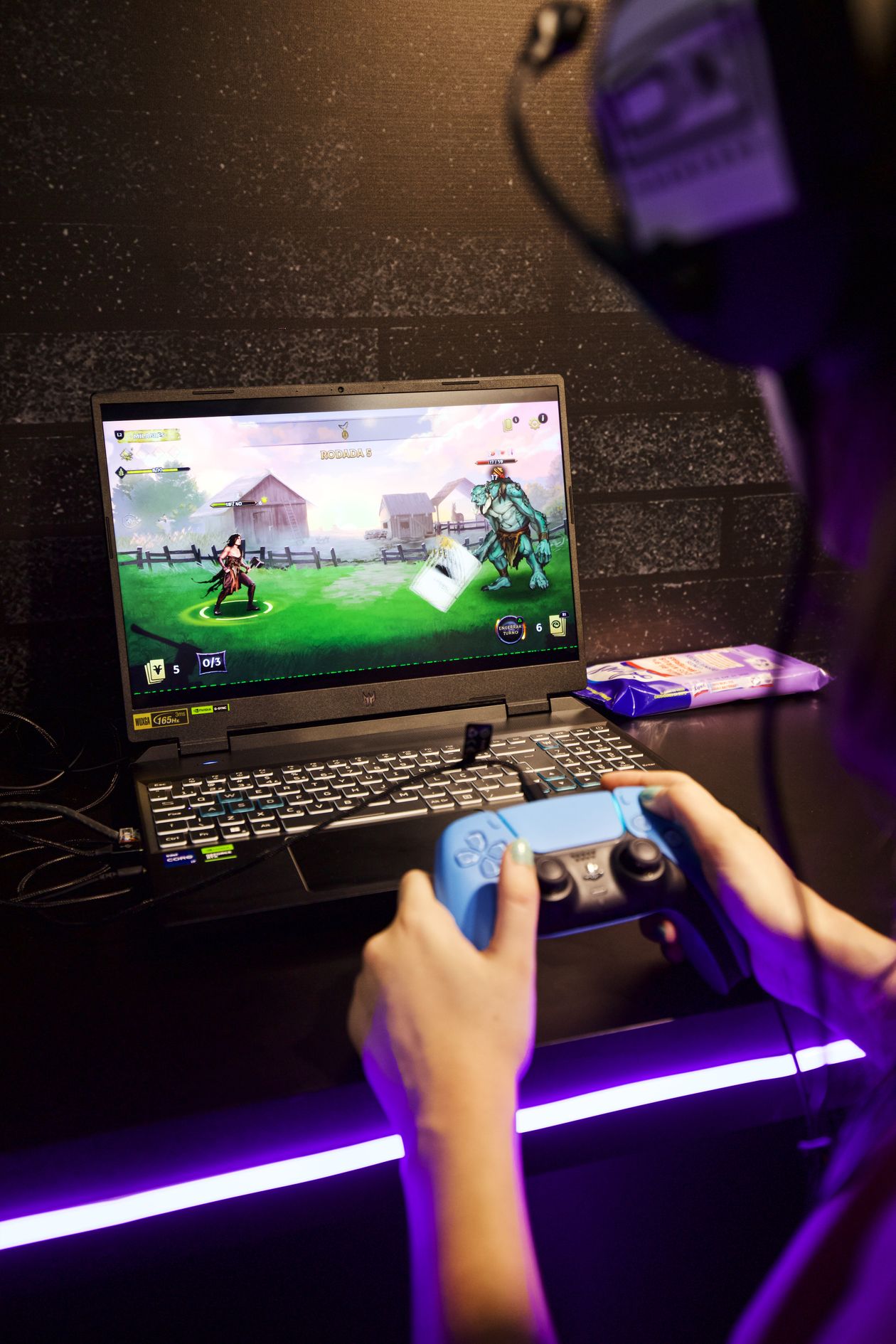
If someone asked me for one offline game to start with, Wesnoth would probably be it. It is a turn-based fantasy strategy game — you move armies around a grid, work through campaigns, read the story bits between battles — and in single-player mode the whole thing runs offline, saves and all. Turns, not reflexes, decide everything, and the flat 2D art means my ageing laptop never breaks a sweat — a kindness I only started valuing once that machine got slow.
What keeps me coming back is how little it hurries you. I can sit with one battlefield decision the way you would sit with a chess problem, turning it over for five minutes before committing, or I can dip in for ten minutes and walk away, or — and this happens more than I admit — I can look up from a campaign and realise the whole evening has gone and my tea is stone cold beside me. All three versions of that evening have happened to me, more than once. It is also a good laptop game for exactly that reason — no fast connection, no powerful graphics card, just you and a map.
0 A.D. — ancient empires, no Wi-Fi needed
Forget modern warfare for a bit. Here you are gathering wood and stone, raising a town from nothing, training soldiers, then sending them across the map at whoever lives over there. Offline single-player against computer opponents is where it shines — that is what makes it a genuine offline pick, not a multiplayer title dressed up as one.
One practical tip from my own experience: if your PC is older, keep the maps small at first. My own lesson came from doing the opposite. I loaded up the biggest map I could find on a laptop that was already wheezing, added hundreds of units, and then sat there watching everything stutter along frame by painful frame. At that point the “game” was just a jerky slideshow and me getting annoyed. Now I do the opposite — a smallish map, units I can track, everything moving when I click. A battlefield I can control beats a giant one that crawls.

Warzone 2100 — the workshop game
I never cared much for commanding armies someone else built for me. Warzone hooked me for the opposite reason: you spend your time in a workshop, not on a parade ground. Bolt a weapon onto a chassis. Swap the propulsion and watch the whole vehicle behave differently. Unlock a new tech and suddenly the scrappy force you cobbled together starts feeling like yours, properly yours. Real-time, futuristic setting, all of that — but the design table is the real game. And once it is on your machine, no connection needed, full stop.
It rewards patience, though. Do the early campaign missions first, get a feel for how research and unit design fit together, and only then go chasing the harder missions. Me, I skipped ahead on my first run. Got flattened. Went back, learned the systems properly, and only then started winning. Mortifying at the time. Useful, in hindsight.
Racing and simulation, for when strategy feels like homework
SuperTuxKart — light, silly, instant
When my brain is tired and I want fun without homework, this is the one I click. A free kart racer with cartoon mascots, daft tracks, power-ups flying everywhere, computer rivals — two minutes in and you already know how it works. That makes it a great offline game for short sessions, or for playing with family, where nobody wants a tutorial first.
It is also, quietly, a useful test game. If SuperTuxKart runs smoothly on your machine, most other light offline games probably will too. I have used it that way on a borrowed laptop more than once, just to see what the machine could actually handle before downloading anything bigger.

OpenTTD
If other games wind you up, this one winds you down — and I say that as a compliment. Think back to Transport Tycoon and you have the shape of it: a road here, a rail line there, an airport when you can afford one, a ship route linking a factory to a town that needs its goods — and over hours, that little firm of yours starts to feel like a real business you built with your own hands. Nobody rushes you, nobody fails you. I once left a map untouched for six days, came back on a Saturday, and my trains were still trundling along exactly where I had left them, like nothing had happened.
You can chase the complexity — signalling, timetables, routes tuned until the network hums — or simply not. Plenty of my sessions are just tea and twenty minutes watching my trains trundle through valleys I planned. Friends laugh at that. Let them. After the kind of day that leaves your head buzzing, sitting back and watching your own little railway run itself is about as close to a reset button as I have found.
Endless Sky — my go-to when home feels too small
There are evenings when I am not after a test of skill at all, just somewhere else to be for a while, and this is the game I open then. My first ship was a joke of a thing — slow, paper-thin, parked at the edge of a galaxy that gave me zero directions. Most nights I just fell into a groove: drop cargo off at some sleepy port, wander off to chart a system nobody cared about, grab any job that paid, and stash the money toward a ship that could actually take a hit. Once it is installed, the whole thing runs without a connection, which is the entire reason it never leaves my travel laptop.
Day one? Huge. Nobody gives you a list, nobody holds your hand. So: boring cargo hops first, familiar systems only, until star-hopping feels normal — then, and only then, the rough neighbourhoods. I broke my own rule once, wandered into a system my little ship had no business entering, and watched it get shredded in under a minute. The ship was replaceable. My dignity took a bit longer.
Steam offline mode, honestly explained
Steam offline mode deserves a fair mention, because it does help — just not as much as people hope. How I actually do it: on a normal evening with the internet working, I open Steam, run the game I want, wait for any update to finish, and make sure my progress is saved properly. Then, if I remember — and I do not always — I switch Steam itself into offline mode before the connection goes away. Do that, and plenty of single-player Steam games will open and run later with no internet at all, as if nothing changed.
But — and this is the bit that trips people up — games with online accounts, online-only saves, or anti-cheat checks may still refuse to start, even in offline mode. If being able to play offline is the entire point of your search, my honest steer is the truly offline games above. No wrestling with offline mode, no login gate at startup — they just open and play.
How I prepare for an offline evening
Short section, this one — just the little routine I go through whenever a trip is coming up, or I know the connection is going to be unreliable that night. Step one, always: while the internet is still there, I get everything downloaded and patched. Install the game, launch it once, let it finish updating. Every bit of it, before I even think about offline mode. There is nothing worse than discovering an update is waiting when you have no connection left to fetch it with.
Then I check where the game actually saves. If it only saves to the cloud, that is a problem for a long offline stretch, so I want local saves on my own PC. After that, I keep the library small on purpose. Two or three genuinely offline games beat twenty online-only games on the day your connection drops — I have tested this theory, unwillingly, and it holds up.
Then, where you get the games — I repeat this in every guide because it keeps biting people: open-source games from the developers’ own sites, Steam games from Steam. Any repack claiming it can make an online-only game work offline is trouble in a nice wrapper: usually pirated, sometimes carrying something nasty, never worth a free game. Last habit: do the dry run at home first. Sofa, Wi-Fi off, game launched, before you need it somewhere you cannot fix a problem. Finding out on a train that your game will not start is a rotten way to spend a journey. I speak from experience.
Questions readers keep asking
Is offline play possible with free Steam games?
Yes, some — the single-player ones, but only after you have run them at least once while online and then put Steam into offline mode yourself. Everything else is another matter: free multiplayer games and live-service titles want a connection every single time you play, and I have never found an offline setting that changes that. My advice stays the same as everywhere else in this guide — read the store page first, and run your own at-home test before you count on it. I cannot stress the testing bit enough, after my own bus-journey mistake.
Which games are truly free and truly offline?
Honestly? What’s on my laptop right now: Wesnoth for thinking, 0 A.D. for ancient battles, SuperTuxKart for laughs, OpenTTD for building, Warzone for tinkering, Endless Sky for vanishing. Six games. Zero cost, zero login after install, all from official sources. Strategy, racing, transport, space — free. Still feels like a loophole.
Do offline games need an account?
Open-source ones? Install and play, no account, no login. Steam’s the wrinkle: downloading may still want a Steam account, even if the game then runs offline happily. Tiny detail — but it matters when you’re setting up someone else’s machine.
Will offline games work on a low end PC?
Most of the games in this guide are older or use simple graphics, so they tend to run well on modest machines — that is part of why I like them. Still, do check the requirements on the official download page rather than taking my word for it, and if a game feels slow, start with smaller maps or lower settings. That fixed more problems for me than any upgrade ever did, at least for these games.
Conclusion
Offline PC gaming isn’t dead — it just rewards picking right. Wesnoth and 0 A.D. for strategy, SuperTuxKart for racing, OpenTTD for building, Endless Sky for space — all playable after install, connection or not.
Short version: official sources only, test offline at home first, keep a few truly-offline games ready. Then a dead connection, a trip, or another power cut won’t stop you playing. It didn’t stop me that night in the dark — if anything, it made the quiet games better.