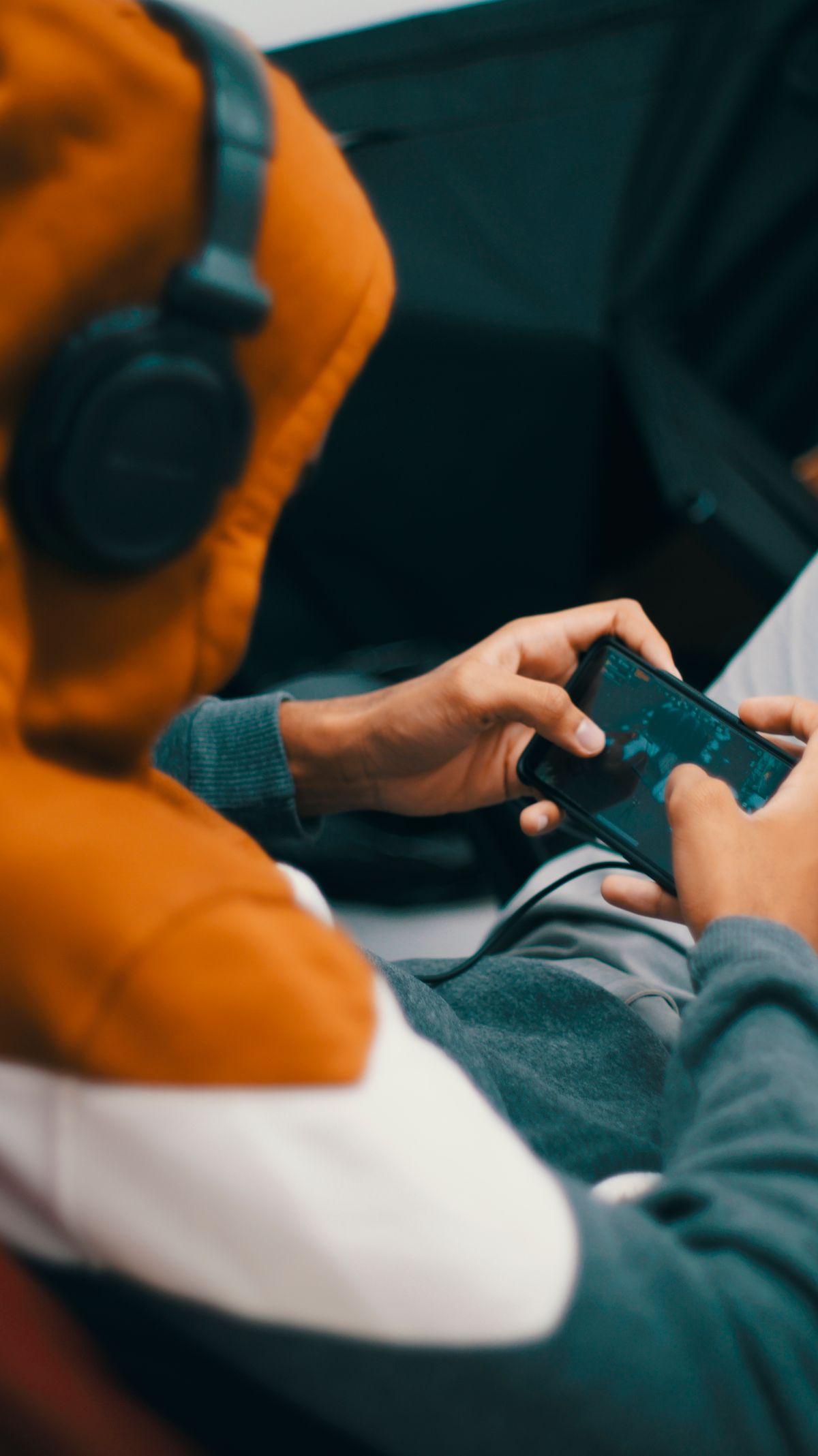
One evening my cousin thrust his phone at me, beaming — forty-odd games crammed onto it. Forty. I scrolled for a while, then asked him which one he actually played. He thought about it. “Two,” he said. “Maybe three.” That stuck with me, because my own phone used to look the same — a graveyard of icons I downloaded at 1 a.m. and never opened again. Free games are easy to collect. Hard to keep. This guide is about the ones that survived on my phone, or on the phones of people I actually know, and the ones I deleted with zero regret.
One rule before anything else, and I am not flexible on it: Google Play only. Not a link a friend forwarded. Not a site promising the paid version for free. Google Play, developer name checked, done. I’ll explain the why later — short version: that rule alone saved me from every dodgy download I almost tapped.
How I stopped hoarding games
My fix now is embarrassingly basic. I ask: where will I play this? Not in theory. In real life. On the bus? In a queue at the bank? Sofa after dinner, charger in, house quiet? Different game from a bank queue. Once I picked by the moment, not by trends, the clutter stopped growing. Two or three games. That is the sweet spot, for me at least. More than that and I just rotate through guilt.
Also — and I cannot believe I have to say this, but here we are — a puzzle game asking for your contacts is not normal. I check permissions now the way I check expiry dates on milk. Quickly, automatically, no debate. If something looks off, I skip the game. There are too many good ones to waste time on a shady one.
The short list, game by game
Genshin Impact, if you want a world to get lost in. Huge. Beautiful. Demanding, in every sense.
PUBG Mobile, if you like your heart rate up and your squad on voice chat.
Call of Duty: Mobile, if you want shooter matches that start fast and end faster.
Roblox, if you get bored of one game quickly and want a thousand instead. Quality all over the place, but that is half the charm.
Brawl Stars. Three-minute matches. Dangerous, that. “Just one more” has stolen entire evenings from me.
Stumble Guys, for when you want to laugh at yourself falling off a ledge with forty strangers.
Subway Surfers. The one your mum probably plays. No shame in it. It is good.
Clash Royale, for people who like outthinking someone in three minutes flat.
Pokémon GO, for turning a dull evening walk into something you actually look forward to.
Candy Crush Saga, for those dead stretches — clinic chairs, wedding speeches — when your brain just wants to idle.
That is the lot. Not a ranking — I would argue with myself about the order if I tried — just the ones worth your storage. What’s on offer moves around — country to country, update to update — so give the Play listing where you live a quick look before you take any of this as gospel.

Best free action games for Android
Genshin Impact: pretty enough to fool you
Right, Genshin — and forget the screenshot parade for a minute, because that’s all most people show you. Yes, it looks absurdly good on a phone. Open world, story, characters to collect, the works, free to start with optional purchases. But — and this is the part people skip — it is greedy. Not just with storage, though that too, but with your evening, your focus, your patience for yet another menu screen. Me? I look at it more than I actually play it. Some nights I boot it up, wander a gorgeous hillside ten minutes, close it — and feel drained, like I’d filed paperwork, not played.
Two first-week regrets: that monster first download should’ve been on Wi-Fi, and the graphics should’ve dropped the moment the phone went warm. Nobody grades your settings. And go slow on the opening story — I raced it, caught half of it, then retraced my steps like an idiot. Slow suits this game.
PUBG Mobile
PUBG Mobile is up to 100 players, one map, weapons to scavenge, last one standing. Solo is stressful. Squad is stressful and funny, which is better. These days I barely touch it alone — it is a two-friends-on-voice-chat game, and the post-match group chat replaying every dumb death is half the reason I keep coming back.
My boring-but-real advice, then: phone charged, connection steady, and never — never — queue up five minutes before you have to be somewhere. Guilty: once, in a rickshaw, battery red, match live — I juggled traffic and a firefight, stressed about both, enjoying neither. New? Live in training modes a while. Keep graphics low until your thumbs know the controls blind. As for ranked: it will still be there next week. Your ego, though — that heals a lot quicker if you don’t throw it straight into ranked on day one.
Call of Duty: Mobile — for when you’ve only got fifteen minutes
Fifteen spare minutes and I want something with a bit of bite? This icon. Every time. Proper multiplayer, battle royale, controls you can twist until they fit your thumbs, casual or ranked depending on the day. Best of all, it starts fast — I have deleted games that loaded longer than I played them.
One gift for every new player: the sensitivity slider. Ten undisturbed minutes fiddling with it, and gunfights stop feeling random — you start winning the ones you actually aimed. Before that, weeks on defaults, dropping fights I should’ve won, blaming my thumbs, my phone, the lag — everything except the one setting sabotaging me. After one slider? Still not good. Just no longer embarrassing — that jump felt like a promotion.

Best free multiplayer and party games for Android
Roblox — not a game, a whole arcade
Recommending Roblox feels odd, because calling it ‘a game’ is wrong from the start. Think doorway, not game: thousands of little games behind it, built by ordinary players — clever, broken, or so bizarre you stare. My nephew builds things in it for hours. I mostly wander into obstacle courses and fall off. Both valid.
Parents, though — check the settings. Account controls, chat controls, all of it, before a younger player gets loose in there. And the free-Robux links? Ignore them forever. I have watched a kid in my extended family lose an account to one, and getting it back was a whole saga nobody needed. These days my rule is blunt: an offer that didn’t pop up inside Roblox itself? Fake until it proves itself otherwise — and it almost never does.
Brawl Stars — the queue game that eats evenings
Brawl Stars is my queue game. Bank queue, clinic waiting room, food delivery taking forever — Brawl Stars. You pick a Brawler, you fight 3v3 or in other modes, match over in minutes. The problem, and I say this fondly, is that “one match” is never one match. I have missed my stop because of this game. Twice. I am not proud, I am just reporting facts.
With friends it is better, because you actually coordinate instead of three strangers running in three directions. On my own, though, I wasted about a week. I burned through Brawler after Brawler that week, till two stuck — one charging headfirst into fights, one hanging back to poke. Stopping the copycat picks — playing my own way, unfashionable or not — finally settled it.
Stumble Guys — gloriously shallow, on purpose
What hooks me is the honesty: zero pretence of depth. Just strangers, swinging hammers, gaps to misjudge — everyone tumbling, one lucky soul crossing first while the rest of us crack up. At a family dawat last year, four of us took turns on a single phone, and my khala — the same khala who swears she has never played a game in her life — wiped the floor with all of us, then shrugged and called it beginner’s luck. Beginner’s luck, my foot. She just hides that side at other events.
What I like most is how little losing costs here. Simple buttons, a round over before you can get annoyed, and a loss just rolls into the next start screen. Plenty of games punish defeat. This one shrugs.
Best free casual games for Android
Subway Surfers — the one that refuses to die
Subway Surfers is the cockroach of mobile games, and I mean that with love. It survives everything — old phones, bad connections, short attention spans. The loop is dead simple: sprint down the tracks, dodge the trains, hoover up coins, see how far you get before it all goes wrong. My ancient phone, the one that choked on anything with real 3D graphics, ran this happily for years without a single complaint.
It is also the game I keep spotting in waiting rooms. Nobody opens it to impress anyone — the wait is long, the phone is old, and ten pleasant minutes is ten pleasant minutes.
Clash Royale — brains over thumbs
Take a card deck, add a live battle, and you have Clash Royale in a sentence: pick your troops and spells, face another player, and the whole thing is done before your tea goes cold. I like it because it rewards thinking over reflexes — my reflexes peaked years ago, possibly never — and a clever deck beats a fast thumb more often than people admit.
But I have a warning, from personal budgeting experience: the spending creeps. One chest here, one pass there, and suddenly you have spent real money chasing a card you did not even want that much. I cap myself now, strictly, and the game is just as fun without paying. Work out your number in advance, calmly, before you start — not in the middle of a match with the shop flashing in your face.
Pokémon GO — the walk that got interesting
If you had told me a phone game would improve my evening walks, I would have laughed. Yet here we are: Pokémon GO has me wandering the neighbourhood, catching things, spinning stops, turning up for events. Ten minutes genuinely counts, and it goes oddly well with errands — I have caught things while buying vegetables.
One plea, though, from someone who has watched this go wrong: look up. I’ve watched someone stroll straight into a lamppost, hypnotised by the screen. Driving and playing don’t mix — nor does wandering unknown streets at night, eyes locked on the screen. The game can wait till morning. A sprained ankle can’t — and it won’t care that your phone came out fine.
Candy Crush Saga — the waiting-room classic
Waiting room? Candy Crush Saga, every time. Swap sweets, line them up, clear the board — job done. Once, at a wedding, I matched sweets under the table through the whole speech section. Zero regrets. It’s soft, simple, runs on phones that should’ve retired years ago, and only asks you to match colours.
It sells extra moves and boosters, like all of these games sell something. The early levels do not need them. Later levels do not really need them either, whatever the game implies when you are one move short. Decide upfront what you will spend — zero is a perfectly good number — and do not let a flashing “just one more move” button change your mind.
Tips, learned the hard way
Third time saying it, because it counts: stay inside Google Play, and read the developer name letter by letter. Copycats live off one-letter swaps and stolen icons. I nearly fell for one — only pausing to actually read the developer line saved me. Pause. Read. Then install.
APK sites? No. I know the temptation — a game not available in your region, a friend sends a link, it looks easy. Unofficial downloads can hide malware, or old versions, or modified games that get your account banned outright. I have seen the aftermath. Not worth it, ever, for a free game you can wait for or replace.
Storage and battery are the boring limits nobody respects until they hit them. Big games eat both. Delete the ones you stopped playing — yes, even the one you swear you will return to, you will not — and drop the graphics if your phone gets hot. Downloads and updates go on Wi-Fi. Mobile data bills for a multi-gigabyte update are a special kind of pain, and I have felt it.
Spending limits deserve their own paragraph, especially on shared phones. Kids, younger siblings, anyone who borrows your phone — set up Google Play’s purchase controls before they need them, not after a surprise charge. And keep the phone and Play Store updated while you are at it. Updates are dull. Security holes are worse.
Frequently asked questions
Do these games actually cost nothing?
Download and play: yes, free on Google Play. Nearly all sell extras — items, passes, currency — but none of the core games demand payment. Worth a glance at each store page first, though — ‘free’ hides a whole spectrum of in-game shops, and a few of them nudge a lot harder than the rest.
Do these games need a beefy phone?
Depends which game, obviously. Genshin Impact and PUBG Mobile want a capable phone with room to breathe. Subway Surfers and Candy Crush Saga will run on phones that struggle with everything else. If a game stutters, drop the settings before you blame the phone — that fixes more than people think.
Is it safe to download free games from Google Play?
Safer than anywhere else, by a mile. Google Play is the official store, with actual review processes. That does not mean switch your brain off: developer name, reviews, permissions, all still worth checking. And any random website offering a paid game for free is lying to you. That is not a grey area — that is the whole trick, right there in the open.
Will these games work without internet?
Some of the casual ones will, sometimes. Most multiplayer and live-service games will not — they need a connection, and no amount of hoping changes that. Read the game’s description, and even better, try it yourself before a journey. I once took a game on a long bus ride because it looked single-player. It was not. Long ride, dead screen, lesson learned.
Conclusion
After all that downloading and deleting, this is the crew that stuck around: Genshin Impact when I want to get lost somewhere pretty, PUBG Mobile and Call of Duty: Mobile when I want a shooter, Roblox and Brawl Stars when other people are involved, Stumble Guys when I need a laugh, and Subway Surfers, Clash Royale, Pokémon GO and Candy Crush Saga for the quieter moments. Honestly, between them, most moods are covered without spending anything.
My only real advice, boiled down: keep it to a few games, get them from Google Play, and decide your spending limit before the shop decides it for you. Do that, and free Android gaming stays what it should be — fun, not a storage warning, a dead battery, or a bill you did not expect.